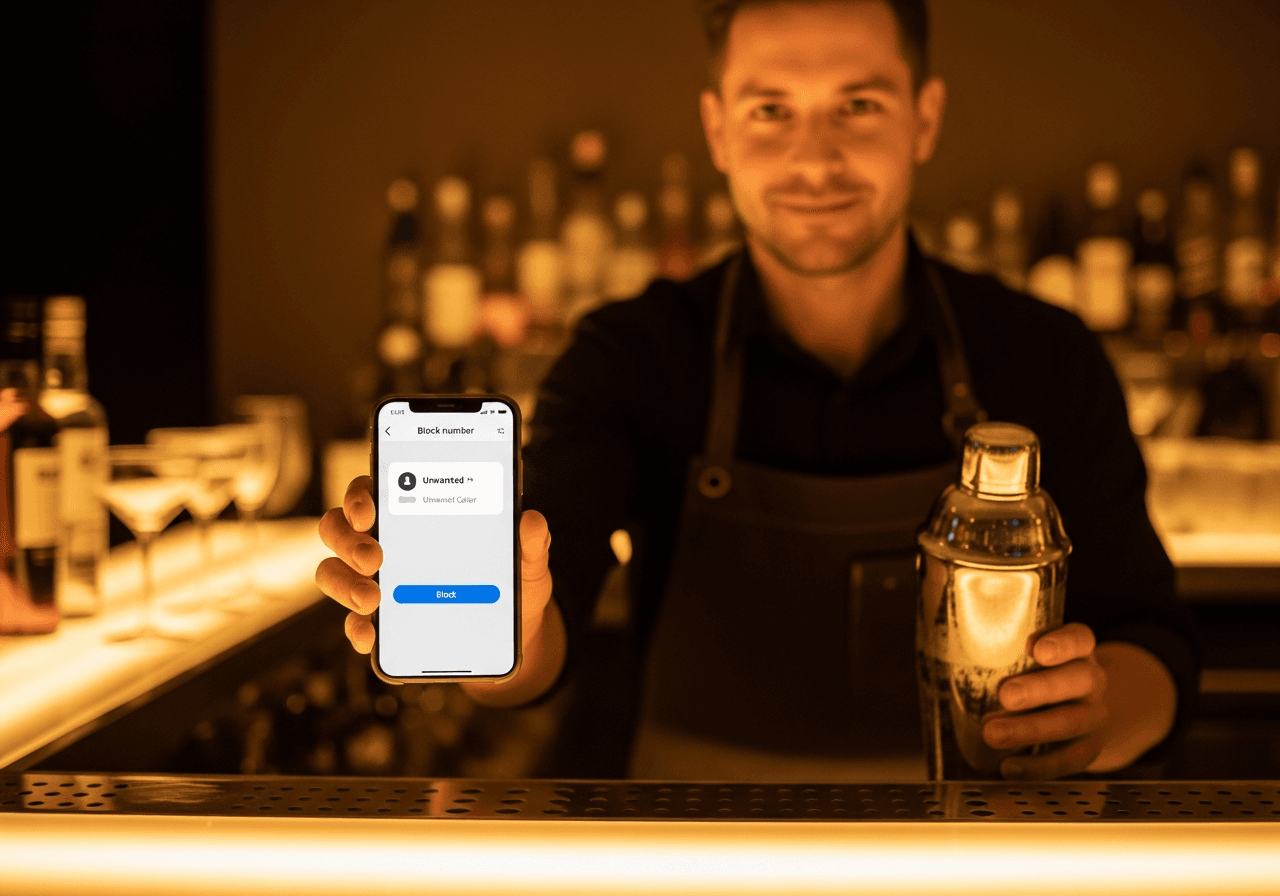
Look, pal. I tended bar in Park Slope for forty-one years, which means I've been told to get lost in roughly nine languages and politely ignored a few thousand phone calls in my time. So when my buddy Sal asks me, over a cup of coffee at the diner, “Bernie, how do I block this number that keeps calling me about my car's extended warranty,” I had to laugh. Sal hasn't owned a car since 1994. He takes the bus.
But here we are in 2026, and the robocalls are still coming. The good news is the tools to shut them up have gotten a whole lot better since the last time anybody updated this article. The bad news is the scammers got better too. (They always do. Ask anyone who ever ran a tab and skipped out on it.) Let me walk you through what actually works now, in plain English, no tech-bro nonsense.
First, the freebie everybody forgets about
The National Do Not Call Registry. Yes, it still exists. Yes, you should be on it. As of the FTC's most recent report, 258 million phone numbers are registered — which sounds like everybody and their mother, and it pretty much is. Add yours by going to donotcall.gov or by dialing 1-888-382-1222 from the phone you want to protect. Costs nothing. Takes about ninety seconds.
Now here's the catch the FTC will tell you themselves: the registry only stops the legitimate telemarketers. The crooks calling about your warranty, your Medicare card, your “final notice from the IRS” — those guys don't follow rules. Big surprise, I know. But getting on the registry takes the legitimate noise out of your day, and that's worth doing first so the real scammers stand out.
Blocking one number at a time on your phone
Whatever the kids in the family bought you, the answer is built right in. You don't need an app, a subscription, or a fast-talking nephew to set this up.
If you have an iPhone
- Open the Phone app and tap Recents.
- Find the number that's been bothering you. Tap the little blue i next to it.
- Scroll all the way down. You'll see Block this Caller. Tap it. Confirm.
That's it. They can call all day — you won't hear a peep. They get sent straight to voicemail and you don't even see a missed-call notification. (My second ex-wife is on this list. Don't tell her.)
If you have an Android — Samsung, Pixel, whatever
- Open the Phone app, tap Recents.
- Tap the offending number, then the little i info icon.
- Tap Block (and on most Androids, you can also tap Report to flag it as spam, which helps the next guy down the line).
Same idea. Call goes nowhere. You move on with your day.
The bigger gun: silence everybody you don't know
Here's the move that changed my life, no exaggeration. Both iPhones and Androids will now automatically silence calls from numbers that aren't in your contacts. The phone still rings on the other end — the scammer thinks they're getting through — but your phone never makes a sound. The call goes to voicemail. You check it later if you feel like it. Most of the time you don't.
On an iPhone running iOS 26 or newer: Settings → Apps → Phone → Screen Unknown Callers. You'll get options — the new one will actually ask the caller to state their reason for calling and show you the answer before your phone rings. Sounds like science fiction. It works.
On a Pixel or most Androids: open the Phone app, tap the three dots → Settings → Caller ID & spam. Turn on See caller and spam ID and Filter spam calls. Done.
Now — quick word of warning. If you do this, tell your doctor's office and your pharmacy to leave a voicemail when they call, because they'll get filtered too. Same with the dentist, the cable guy, and anybody you haven't gotten around to saving in your contacts. Five minutes of housekeeping up front saves you missing the call you actually wanted.
Hiding YOUR number when you call somebody else
Different question, same general territory. Maybe you're calling a contractor for an estimate and don't want him calling you back six times a week. Couple of options:
- *67 before the number. Old as dirt and still works. Dial *67, then the number. Your call shows up as “Private” or “Unknown” on their end. Has to be done every single call.
- Block your number on every call. Most carriers let you turn this on permanently from your account page. Verizon, AT&T, T-Mobile — all of them. Search the carrier's site for “line blocking” or call them. Free in most states.
- *82 to undo it. If you've got per-line blocking turned on but you're calling somewhere that won't pick up an unknown number (a lot of doctor's offices won't), dial *82 first. That makes your number show up just for that one call.
Carrier spam-blocking — mostly free now, mostly worth it
The phone companies finally got serious. Years back they used to charge you for the privilege of not being harassed. Most of that's free now, thanks to a federal program called STIR/SHAKEN that the carriers had to implement to verify calls aren't spoofed. (Don't ask what it stands for. Some engineer thought he was funny.)
- AT&T ActiveArmor — free, comes with the line.
- Verizon Call Filter — free version blocks the obvious spam, paid version has more bells and whistles.
- T-Mobile Scam Shield — free version is plenty for most people.
Turn on whichever you've got. Costs you nothing, blocks a meaningful chunk of the garbage. According to industry numbers from this past year, about 85 percent of calls between the big carriers are now being verified through STIR/SHAKEN, which means the obvious spoofs are getting flagged. Smaller regional carriers? Still spotty. Roughly 17 percent. The crooks know this and use the small carriers, which is why a few still slip through.
What about the landline?
Yeah, some of us still have one. (My buddy Vinny says he keeps his “in case of emergencies.” The emergencies, in his case, are people calling about his car's extended warranty.) Here's the deal:
- Call your phone company and ask about Anonymous Call Rejection and Selective Call Rejection. Both usually free, both work pretty well.
- Buy a call-blocker box. Brands like CPR and Tel-Lynx make them — they sit between the wall jack and your phone and block known scam numbers automatically. Forty to sixty bucks one-time. Not a subscription. (I'm allergic to subscriptions.)
What I'd actually do if I were you
Here, in order:
- Get on the Do Not Call Registry. Two minutes.
- Turn on the unknown-caller silencing on your phone (iPhone or Android — instructions above).
- Turn on your carrier's free spam blocker.
- When a specific scammer slips through — and one will — block that individual number from your recent calls list.
- Don't pick up unknown numbers. If it matters, they'll leave a message. If they don't leave a message, it didn't matter.
That last one, kid, is the real trick. I learned it tending bar. The customers worth your time always come back. The ones who don't, weren't.